


Materials
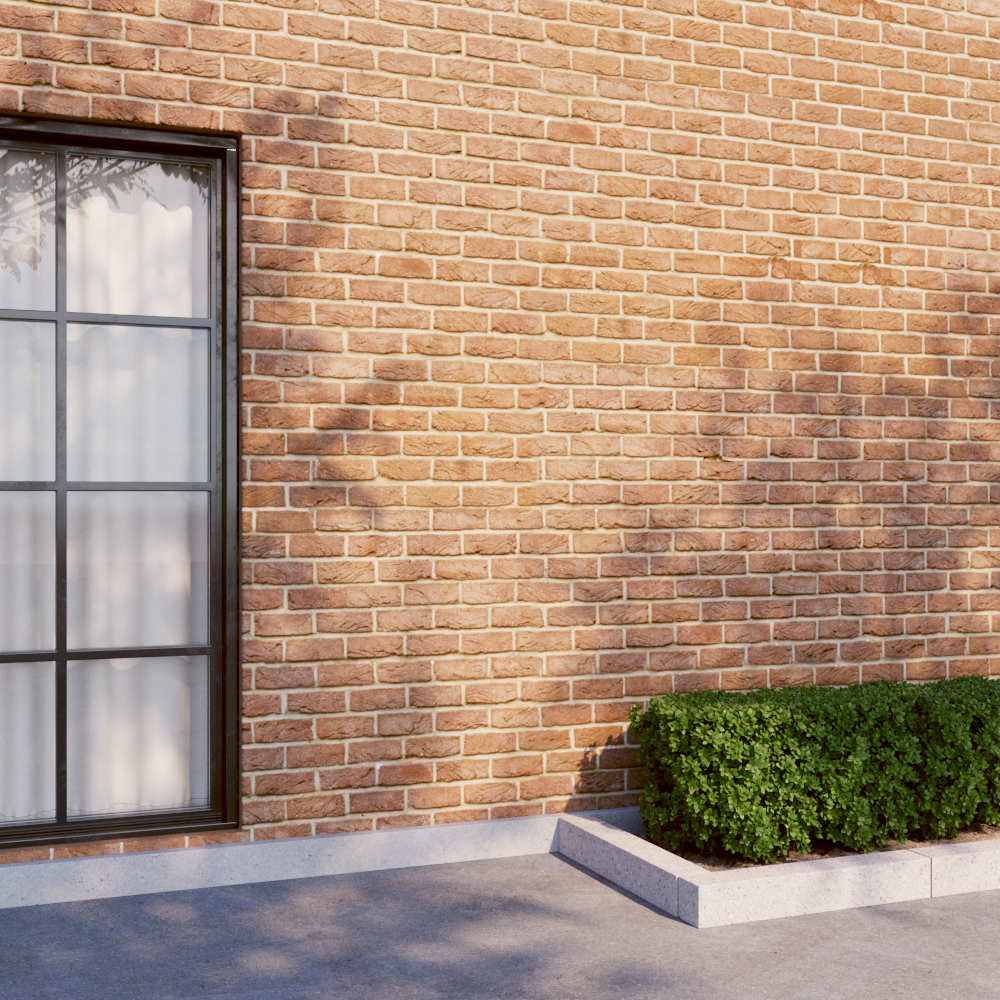
Add compatible V-Ray materials and use the available material tools in SketchUp.


Search, download and import supported assets from the Narq panel in SketchUp. Keep your downloads and favorites within reach.
Private alpha · Windows · SketchUp 2021–2024
Library previews. Import options depend on the asset and your installed software.
Add compatible V-Ray materials and use the available material tools in SketchUp.

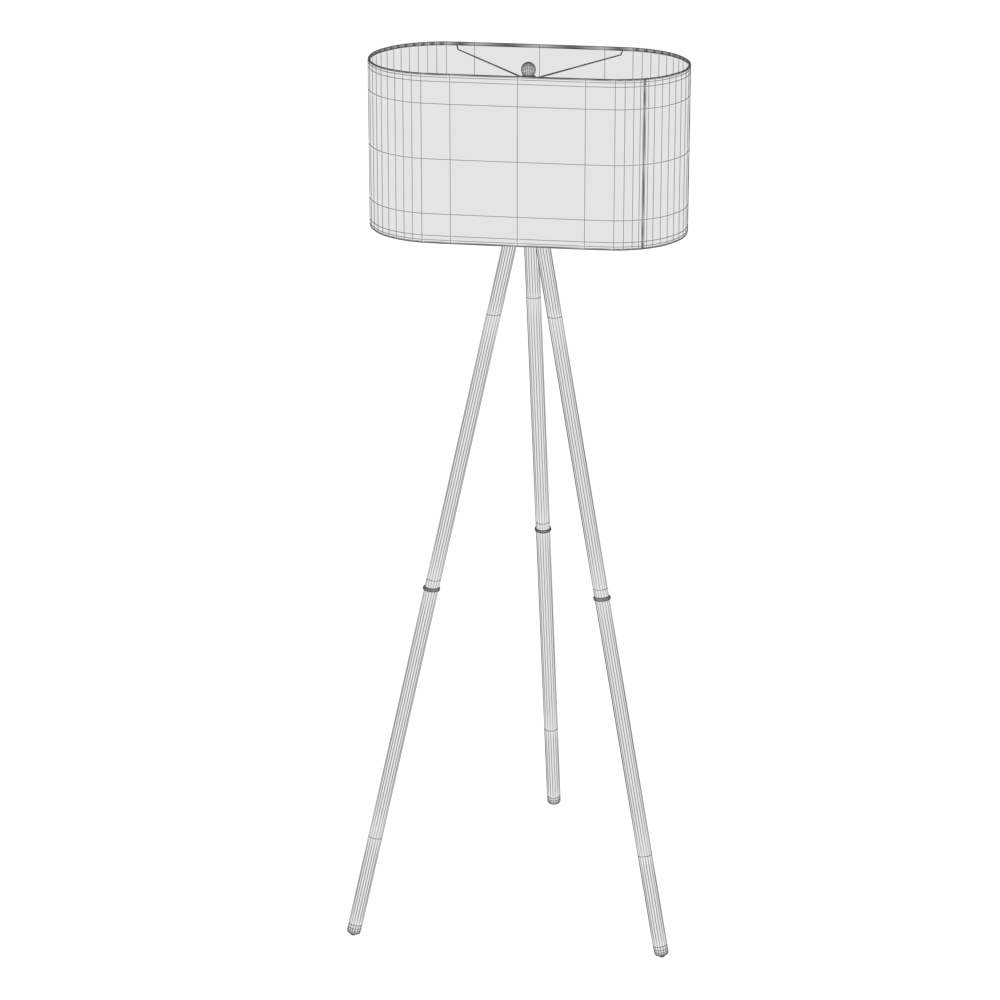
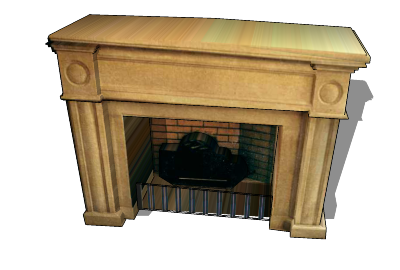
Import supported models and place them in your scene.

Use supported HDRIs with V-Ray dome or environment lighting.
V-Ray is required for V-Ray materials and HDRI lighting. Available model import options depend on the package.
Paid checkout is not open yet. Existing approved accounts keep their assigned access.